 Atlas
AtlasCheck in clears in seconds
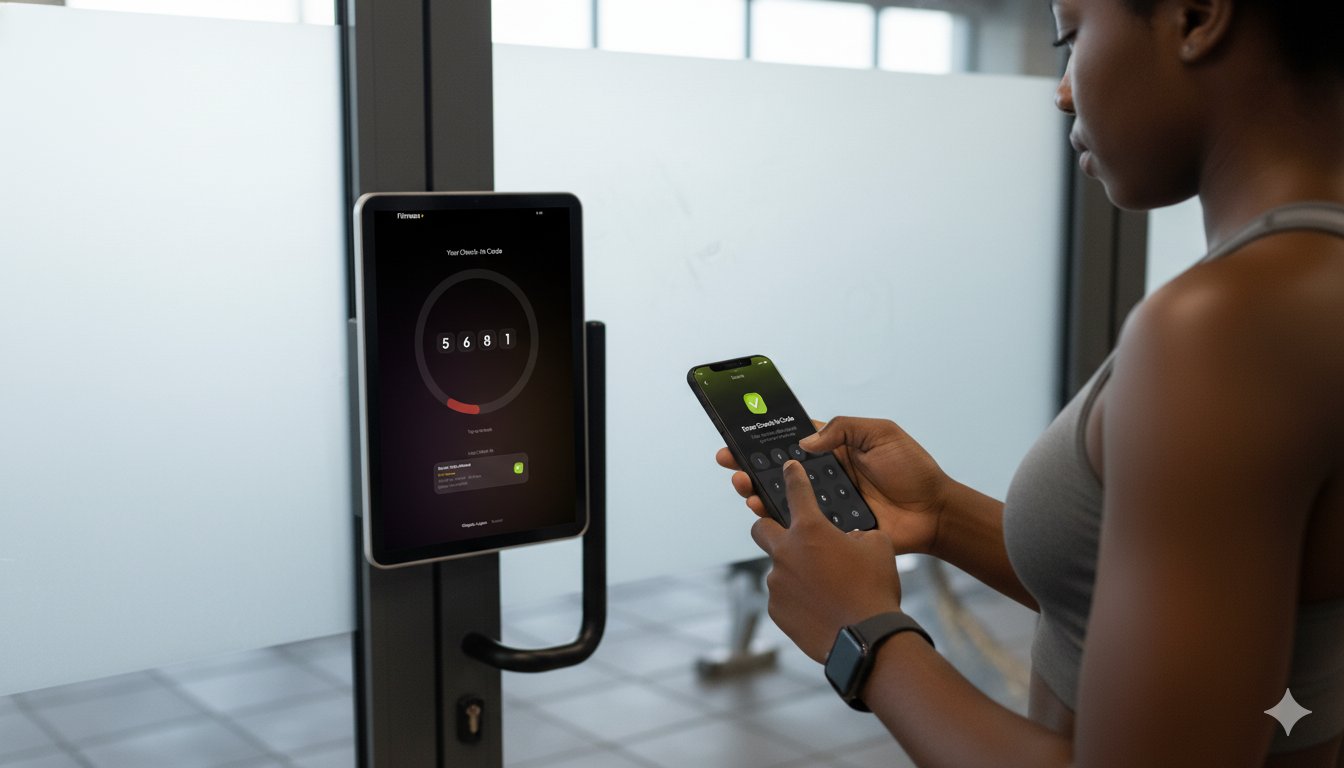
The terminal shows a rotating 4-digit code. Members open their app, tap Check In, enter the code, and they're through. No queues, no cards, no staff involvement.
How it works
Any Android tablet works. No specialist hardware required.
One login covers all branches. Staff pick the correct branch and terminal on launch.
The code is always visible on screen, large and readable from a few metres away.
They tap Check In, type the code from the terminal, and they're in. The check-in is logged instantly.
Rotating 4-digit code
The terminal shows a code that refreshes every 30 seconds. Members enter it in their app to check in.
Session-bound codes
Each code is tied to the active session window. An expired or invalid code is rejected instantly.
Real-time sync
Check-in events appear in the Admin Dashboard the moment they happen, across every branch.
Any Android tablet
Runs on any Android tablet at the front desk. No specialist hardware required.
Branch and terminal aware
Staff log in, select their branch, and select the terminal. Multiple terminals per branch are supported.
Also in the platform